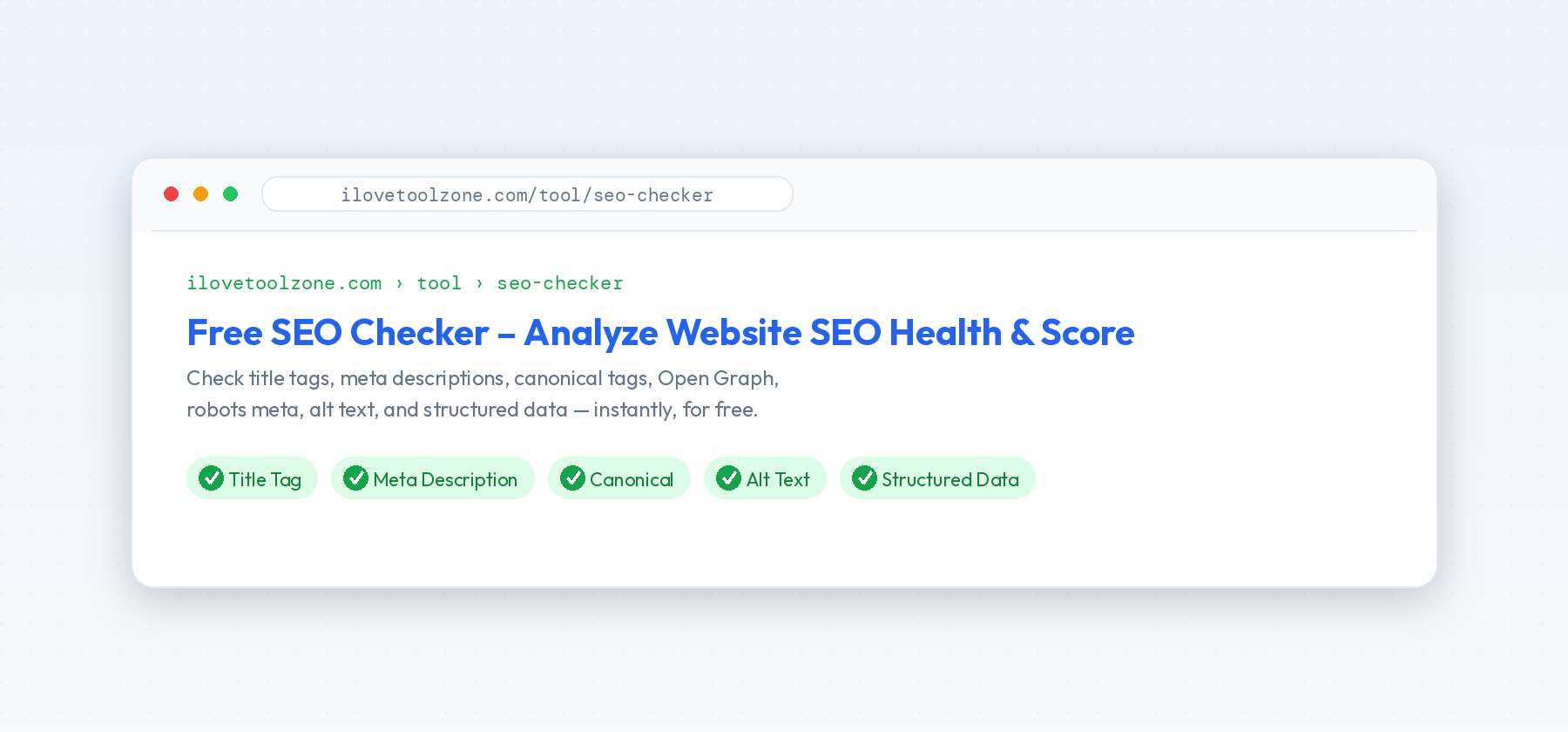
Most pages don't lose rankings because of some deep algorithmic mystery — they lose them because of small, boring technical details nobody double-checked before publishing. A missing meta description, a page with two H1 tags, a canonical URL pointing to the wrong place. None of these are dramatic on their own, but they add up, and they're exactly the kind of thing a five-minute check catches before it becomes a problem.
This isn't a guide about content strategy, backlinks, or any of the bigger, harder-to-control parts of SEO. It's a checklist for the part you fully control: the technical signals on the page itself, and whether they're actually saying what you think they're saying.
Why the Basics Still Matter
Search engines can't read a page the way a person does. They rely on specific signals — tags, attributes, structured markup — to understand what a page is about, whether it's the "official" version of that content, and how it should be shown in search results or when shared on social media. When those signals are missing or contradictory, search engines are left guessing, and guessing rarely works in your favor.
The good news is that on-page SEO is one of the few parts of SEO you have full, direct control over. You can't control what other sites link to you, and you can't control how competitors price their product. But you can absolutely control whether your title tag is accurate, whether your canonical tag points where it should, and whether your images have alt text. These are small, mechanical fixes — not strategic bets — and that's exactly what makes them worth doing first.
There's also a compounding effect worth mentioning: none of these signals work in isolation. A great title tag paired with a missing meta description still leaves half the "pitch" in the search results blank. A correct canonical tag on one page doesn't help if the rest of the site's templates generate the wrong one automatically. Getting the basics right, consistently, across the whole site, matters more than getting any single page perfect.
The Checklist
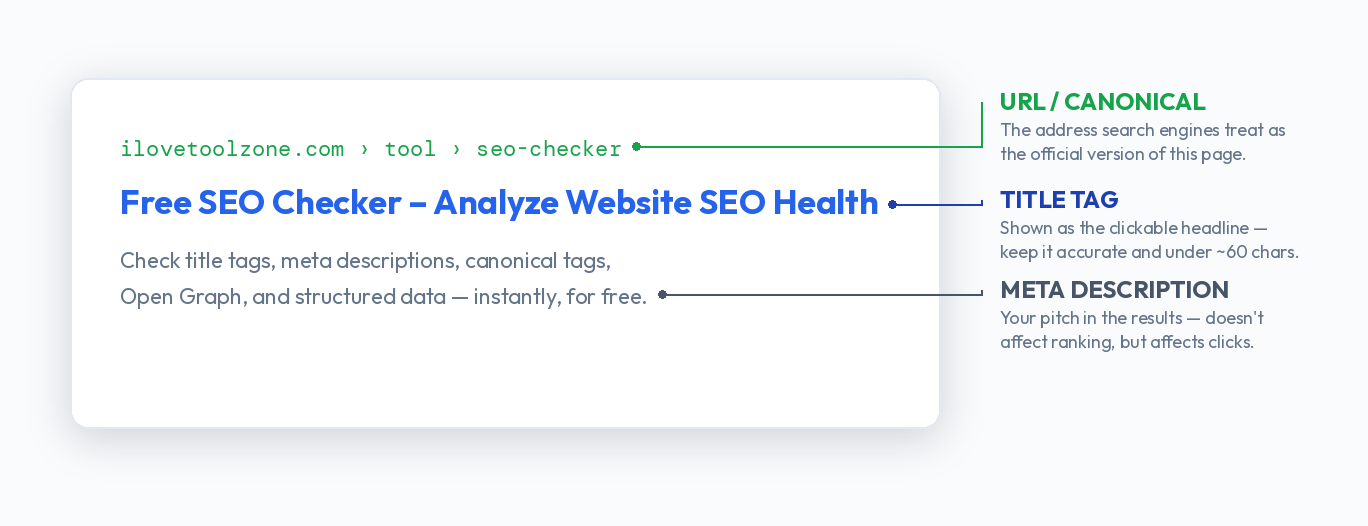
- Title tag. Should describe the page accurately, stay under roughly 60 characters so it doesn't get cut off in search results, and avoid being identical to five other pages on your site. If you're not sure what your title tag currently says, view the page source or check your browser tab — it's easy to assume it says one thing when a template is quietly overriding it.
- Meta description. Doesn't directly boost rankings, but it's your pitch in the search results — a clear, specific description gets clicked more often than a vague or missing one. Search engines sometimes rewrite it anyway if they think a snippet from the page matches the query better, but a good one still improves your odds.
- One H1 per page. The H1 should describe the main topic of the page, and ideally only appear once. Multiple H1s (or none at all) make it harder for search engines to tell what the page is actually about, and it's a surprisingly common byproduct of combining a hero section with a separate page-title component.
- Canonical tag. Points search engines to the "official" version of a page when the same content is reachable through multiple URLs — with tracking parameters, trailing slashes, sort orders, or session IDs attached. A missing or incorrect canonical can quietly split your ranking signals across several near-duplicate URLs instead of consolidating them into one.
- Open Graph tags. Control how a page looks when it's shared on social media — the title, description, and image that show up in the preview card. Without them, platforms often guess, and sometimes guess badly, pulling the wrong image or a random snippet of text from somewhere in the page.
- Robots meta tag. Worth a second look if a page isn't showing up in search results at all. An accidental
noindexleft over from a staging environment, or applied site-wide by a plugin default, is a surprisingly common cause of pages silently disappearing from search. - Image alt attributes. Helps search engines — and screen readers — understand what an image shows, since neither can "see" the image itself. Purely decorative images can reasonably have empty alt text; anything that conveys information (a product photo, a chart, a screenshot) shouldn't.
- Structured data. Schema markup, like Article, Product, or FAQ schema, helps search engines understand content in a more structured, machine-readable way, and can unlock rich results — star ratings, FAQ dropdowns, breadcrumb trails, and similar enhanced listings that stand out in a page full of plain blue links.
A Simple Process for Auditing an Existing Site
Checking a single page by hand is easy enough. The harder question is what to do with a site that already has fifty, or five hundred, pages you didn't check when they were published. A reasonable process looks like this:
- Start with your highest-traffic pages. Whatever's driving the most organic visits today is where a fix has the most immediate impact, and where an existing problem is already costing you the most.
- Group pages by template, not by URL. If your product pages all share one template, fixing a canonical bug in the template fixes it everywhere at once. Checking pages one by one is much slower than checking one representative page per template.
- Look for patterns, not just individual errors. A single page with a bad title tag is a one-off. Fifty pages sharing the exact same title tag is a template problem, and it's worth tracing back to where that template lives before fixing pages individually.
- Re-check after any redesign or CMS migration. Templates change, plugins get swapped, and canonical logic that worked fine for years can break silently during a migration. This is one of the most common times for on-page SEO to regress without anyone noticing right away.
Mistakes That Are Easy to Miss
A few issues show up often enough to call out specifically. Duplicate title tags across category or filter pages are common on e-commerce sites, where dozens of URL variants — different sort orders, different filter combinations — end up sharing the same generic template-generated title. Canonical tags copy-pasted from a template sometimes point every page on the site to the homepage, which effectively tells search engines to ignore everything except that one URL.
Open Graph images are frequently just missing, which means a link shared on social media shows a blank gray box instead of anything useful — a small thing, but one that quietly hurts click-through rates on every social share. And it's worth specifically checking pagination and filtered list pages, since they're the most likely place for a site to accidentally generate hundreds of near-identical, competing URLs without a canonical tag sorting out which one actually matters.
None of these are hard to fix once you know they're there. The hard part is finding them, especially across a site with more than a handful of pages, which is really a search problem rather than a knowledge problem — you usually know what "correct" looks like, you just don't know which of your pages fail to match it.
How Often Should You Re-Check
For a small, mostly static site, a check whenever you publish new content or make template changes is usually enough. For a larger site, it's worth treating this the same way you'd treat any other recurring maintenance task — a monthly or quarterly pass across the site's main templates, rather than waiting for organic traffic to drop before investigating why.
The one time you should always re-check, regardless of site size, is right after a redesign, a CMS migration, or a domain change. These are the moments when templates get rebuilt from scratch, and small regressions — a canonical tag that stops rendering, an Open Graph image that points to a now-deleted file — are the easiest to introduce and the easiest to miss until traffic has already dropped.
Check It Automatically
Going through this checklist by hand works fine for a single page, but it doesn't scale well past that. The SEO Checker runs through title tags, meta descriptions, H1 structure, canonical tags, Open Graph data, robots meta, image alt attributes, and structured data automatically, and gives you a score along with exactly what to fix — free, with no signup, directly in your browser.